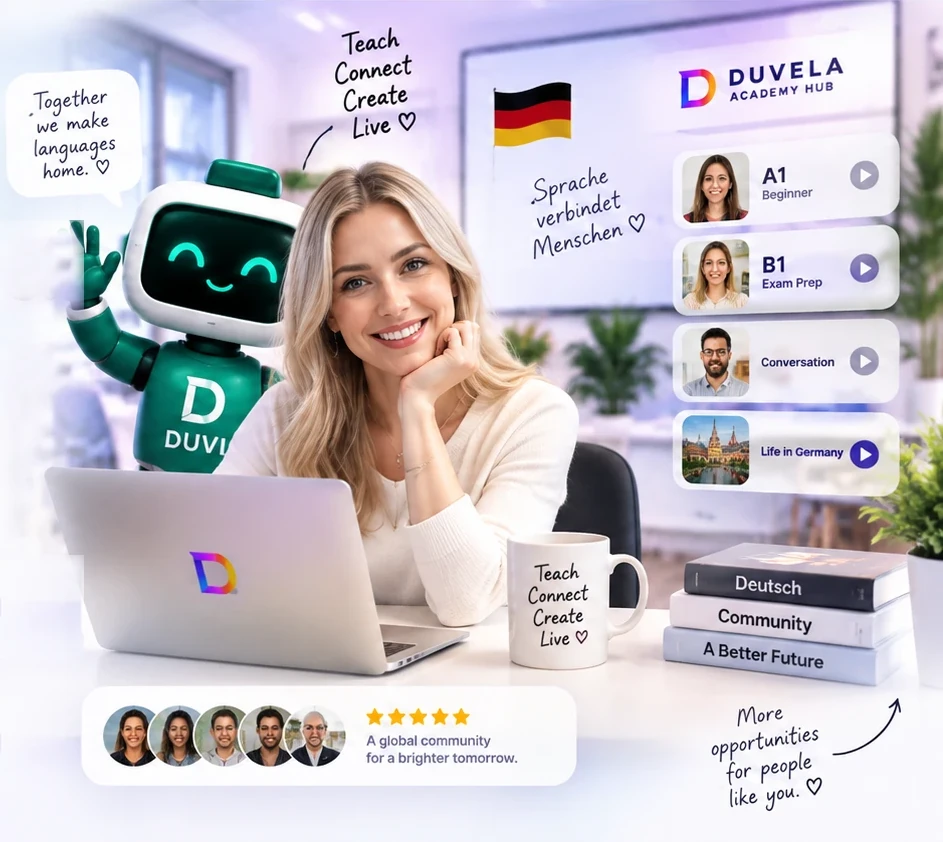
Welcome to Duvela Academy Hub

Teach on Duvela with one clean workspace.

Request early access to the Duvela Academy Hub demo through TestFlight. Test courses, LIVE lessons, online/offline events and your teacher profile before public launch.

Demo version is available by TestFlight invitation
LIVERun browser lessons with camera, mic and chat
CoursesPublish structured offers learners can join
EventsCreate workshops, clubs and online sessions
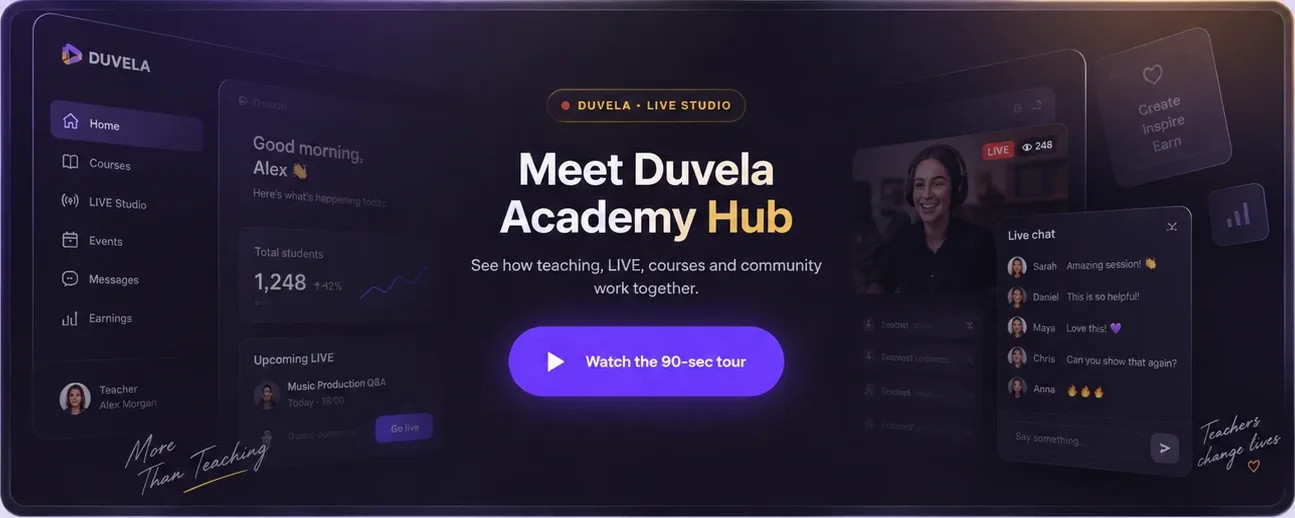
Welcome to Duvela Academy Hub

60 seconds — see what a teacher gets on day one.

From public profile and courses to browser LIVE, chat, community and payments — everything a teacher needs, in one workspace.

DUVELA · LIVE STUDIO
Duvela Academy Hub
Video coming soon. Meanwhile, scroll down for the tour.
Demoearly access TestFlightinvite delivery iOS/Androiddemo devices €0demo access fee
Demo version

Teacher access goes through TestFlight while Duvela is in demo.

We invite teachers in controlled batches, so the hub stays stable and feedback can be reviewed before public launch.

How to get the demo

Leave your teacher details. After review, we send the TestFlight invitation and onboarding instructions.

1Send a short teacher request.
2Duvela reviews the profile and contact details.
3You receive the TestFlight invite.
4You test the Teacher Hub and share feedback.

What is available in the demo

The demo focuses on the core tools a teacher needs to prepare, publish and manage learning activity.

PTeacher profileBio, languages, subjects and public identity.
CCoursesStructured offers with level and schedule.
LLIVE lessonsBrowser lessons and live teaching tools.
EOnline/offline eventsWorkshops, clubs and community sessions.
MMediaShorts, videos and photos for your studio.
AAwardsBadges that can later appear on the profile.
One connected workflow

Spend less time assembling tools. Keep teaching in one place.

A profile brings learners to your offer. Courses and events explain what you teach. The workspace keeps enrollment, schedule, LIVE and feedback connected.

01
Present your expertiseSubjects, languages, experience, links and active offers in a public profile.
02
Publish a clear offerDescribe the level, language, schedule and price of a course or class.
03
Teach and stay organizedRun LIVE, manage sessions, learners, submissions and feedback from the workspace.
What teachers get

The complete path from profile to ongoing teaching.

Use only what you need today, then add courses, classes, LIVE, events and learner management as your work grows.

P

Public teacher profile

Show your subjects, languages, experience, links and teaching focus in one place.

Attract
C

Courses and classes

Create offers with level, language, schedule, price and learner enrollment.

Offer
L

LIVE broadcast

Stream in browser to a wide audience with camera, chat, A/B/C/D polls and shareable clips — TikTok-ready 9:16.

Broadcast
Z

Zoom Classroom

Private group lessons over Zoom Video SDK — camera, mic, screen share, chat, raised hands, lesson materials on the same screen. Automatic reminders 30 min before class.

Class
S

Schedule and sessions

Plan lessons, manage repeating sessions and keep the class roster connected.

Organize
F

Assignments and feedback

Review speaking and writing submissions, add a score and return teacher feedback.

Support
E

Events and workshops

Publish online or offline activities and invite learners into your wider community.

Grow
Teacher earnings

How teachers can earn with Duvela.

Duvela gives teachers several paid formats. In the demo, you can prepare and test these offers before public launch.

C

Paid courses and classes

Create structured offers with a level, schedule and price. Learners can join and pay for the course or class.

L

LIVE lessons and workshops

Run paid LIVE lessons, group workshops or special sessions for your audience.

E

Online and offline events

Sell access to language clubs, speaking meetups, exam prep days and local offline events.

M

Audience growth from media

Use shorts, videos and your public profile to bring students to paid offers inside Duvela.

Demo access is free. Paid offer publishing and payouts are prepared for the teacher hub and will be reviewed before public launch.
Built for different teaching models

Start independently. Grow into classes, events or a school.

01

Independent teachers

A public profile, personal offers, LIVE lessons and direct learner management.

02

Course creators

Structured courses, classes, assignments and feedback in one teaching flow.

03

Schools and organizers

Courses, classes, practices and events presented under an organization.

How it works

From invite to first offer in four steps.

1Request demo access and leave your teacher contact.
2Complete your profile with subjects, language and experience.
3Create a course, class, event or LIVE session.
4Manage enrollments, sessions, submissions and learner activity.
Before you start

Clear answers to the main questions.

What happens after I request access?

Duvela reviews your teacher request and sends a demo/TestFlight invitation. After approval, you can test the teacher hub and prepare your first offer.

What can I publish?

Courses, LIVE lessons and events such as workshops, clubs or online sessions.

Do I need to install anything?

The teacher workspace and LIVE tools open in the browser.

Can learners see my profile?

Yes. The public profile can present your subjects, languages, experience, links, courses and upcoming events.

Can I manage assignments?

The teacher workspace supports reviewing speaking and writing submissions, scores and written feedback.

Is Duvela only for independent teachers?

No. The platform also supports course creators, organizers and schools working with classes and events.

Recognition

10 awards teachers can earn on Duvela

Every award is visible on your public profile — students see who's been active, consistent and highly rated at a glance.

Demo access

Request teacher demo access

Tell us a bit about yourself. Our team reviews every request and sends the TestFlight demo invitation straight to your inbox.

Demo device (optional)
We'll reply with TestFlight details after review.
Demo access is available by TestFlight invite Request access